
How To: EVENT – File upload
Question
How can I create an event that triggers when a file is uploaded?
Reason
To automate actions such as notifications, file transfers, or processing tasks whenever a user uploads a file.
Answer
You can create a file upload event by configuring an "Upload" event type in Titan MFT Server's Events section, which allows you to trigger actions automatically when files are uploaded.
Steps
- Login to Admin Web UI
- Navigate to
- Domain
- Server
- Event
- Click Add Event
Select Event and click Add Event
Select File Event > File upload/write > Upload/Write successfully then click OK
Select Action and Click Add Action
Select File System - Move Files as an action
Set Source and Destination Path
Use %FILEPATH% as Source path and Filename
Add destination path + filename then click OK
Click Finish
Note: You can use UNC or network share, but you need to set it up first so titan can access it
Follow this link On How To: Add UNC Accounts in Titan SFTP Server
Example: \\networkshare\%FILEPATH.NAME%
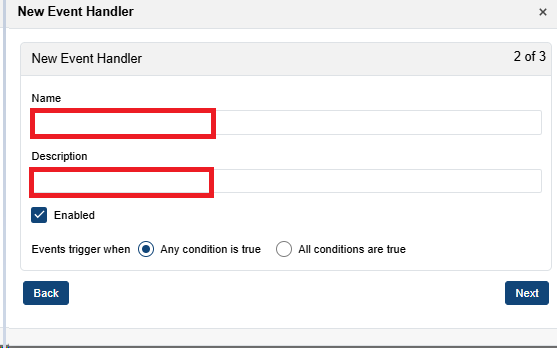
Click Next and add Event name and description. Then click Next again.
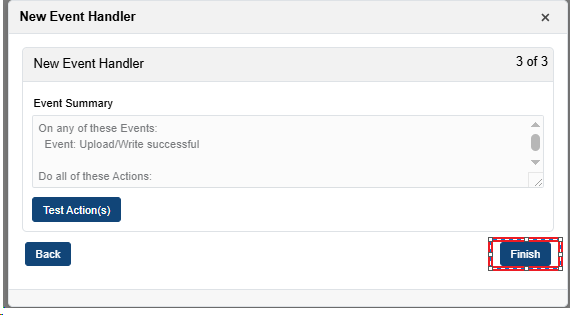
Click Finish